Case study
AI Usage Overlays
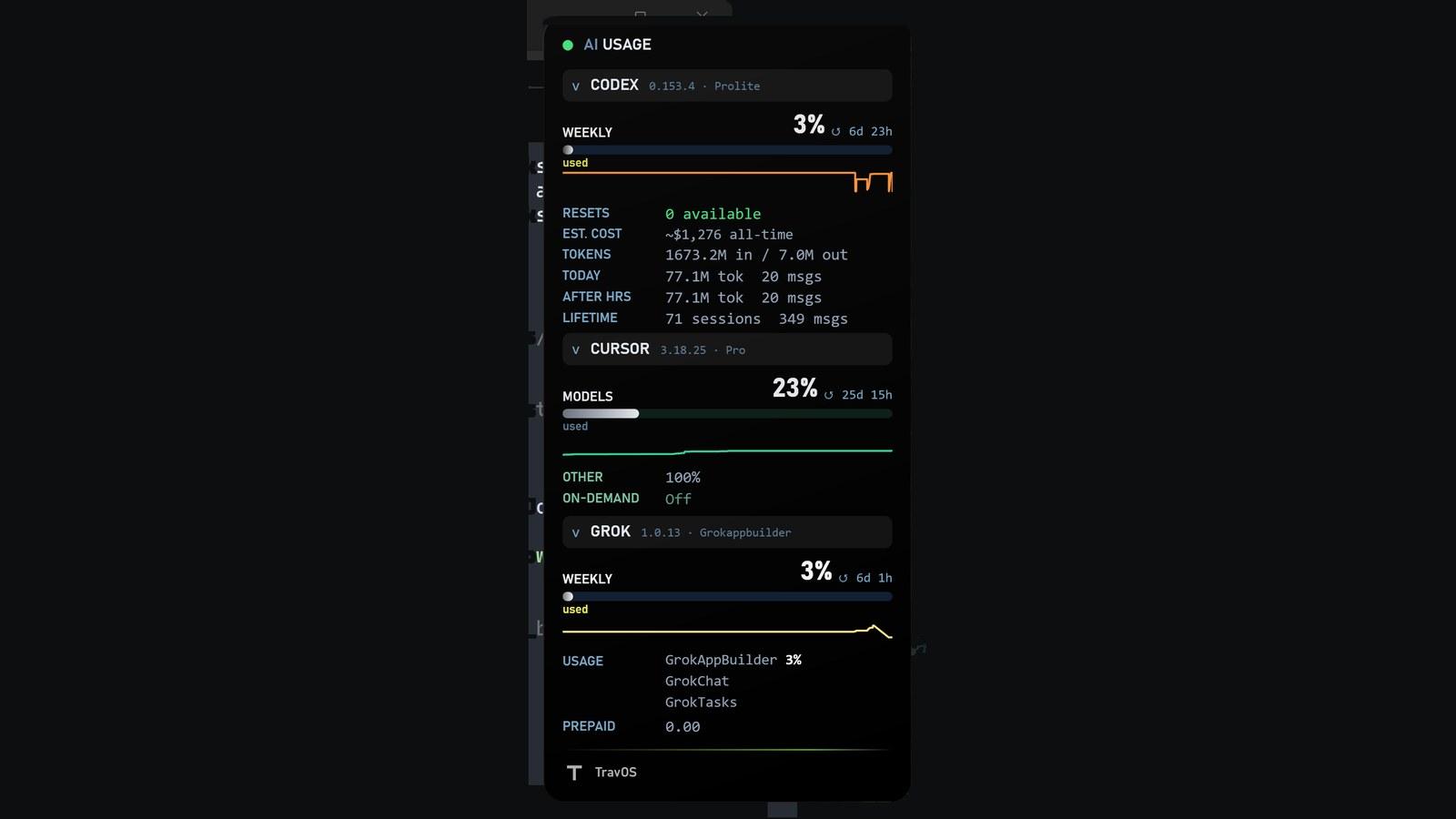
Always-on-top Windows tray HUD for Claude Code, Codex, Cursor, and Grok.
- PowerShell
- Windows
- WPF
Problem
Operators running several AI coding tools have to check separate CLIs, dashboards, and tray apps to see quota, usage, and plan headroom. Signals do not share a shape, and one broken login should not take the whole picture down.
Constraints
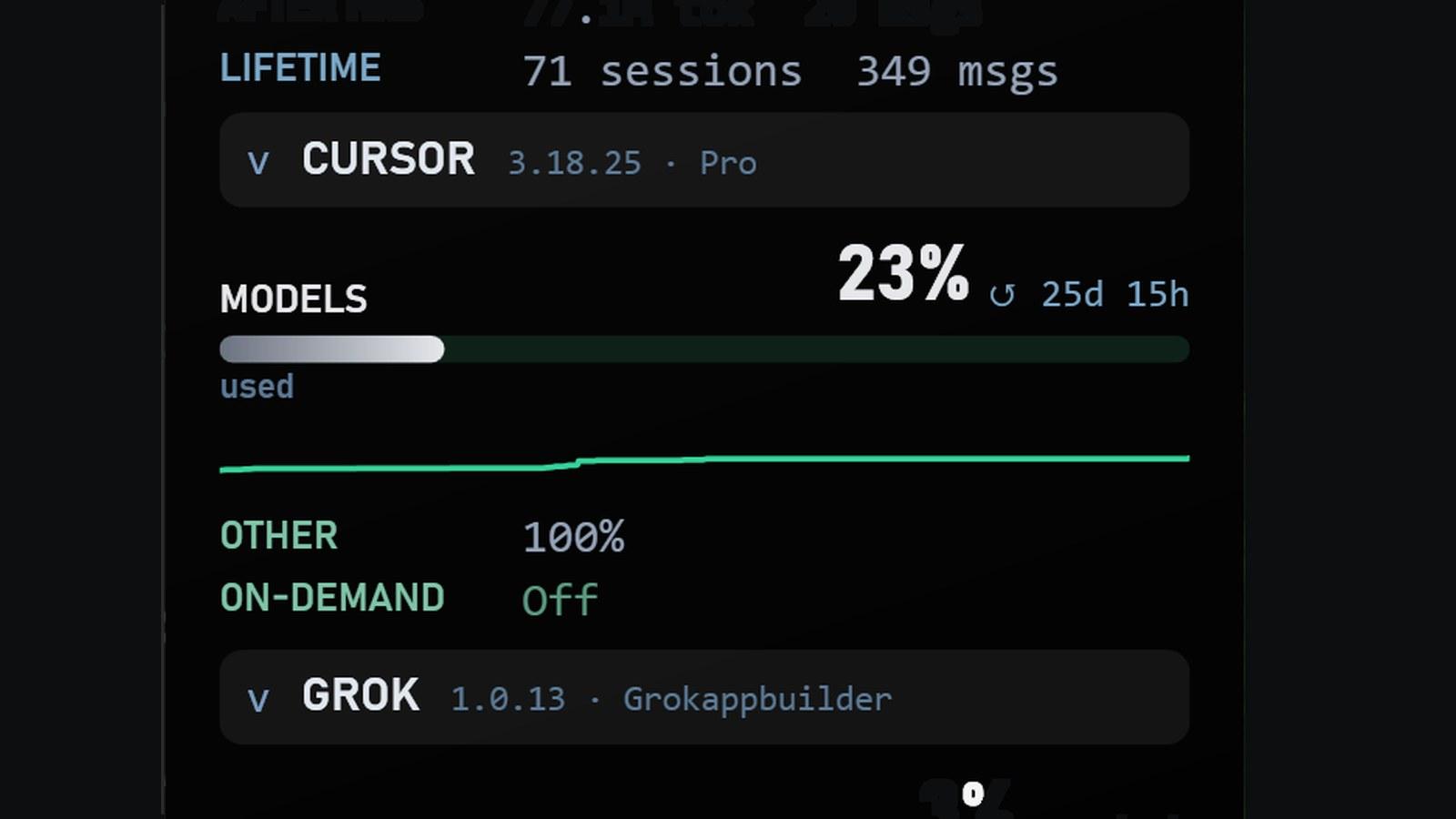
• Windows 10/11 only (PowerShell + WPF) • No password store — the overlay launches each real CLI so that tool writes its own auth.json • Providers are optional; a missing login or CLI blanks that tile only • No admin elevation • Grok Bot chat / Cursor-Grok stay under Cursor (not a fifth tile)
Architecture
Independent provider adapters behind one tray HUD. Each adapter reads local credentials and usage signals the operator already has, normalizes them into a shared snapshot (ai-usage.snapshot.v1), and degrades alone when data is unavailable. Themes, opacity, section toggles, history sparks, and start-at-login are local preferences.
Proof
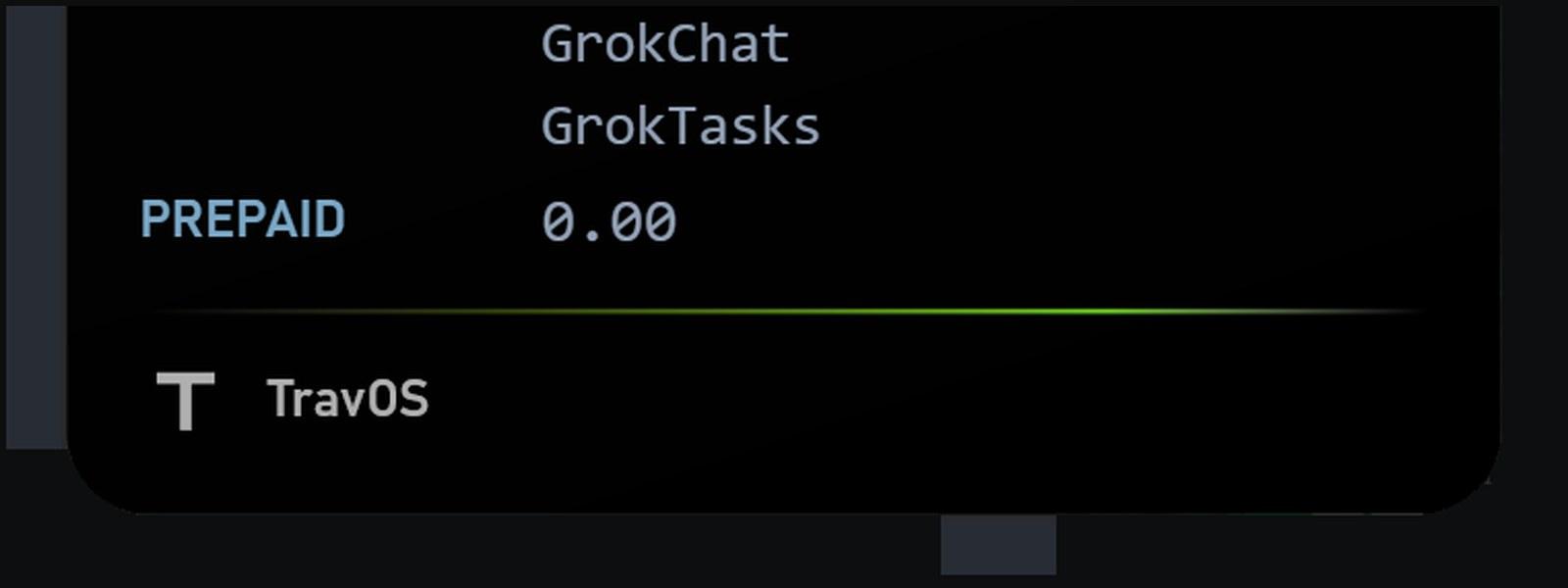
• Clean always-on-top HUD with per-provider tiles • Independent degrade when a provider is signed out or not installed • One-liner install under %LOCALAPPDATA%\AIUsageOverlay • TravOS portfolio piece (footer brand defaults to TravOS; custom PNG via tray)